Capture
Save tabs, groups, bookmarks, and useful page context while it is still fresh.
Capture what matters, organize it into workspaces and collections, and return to it without rebuilding your browser context.
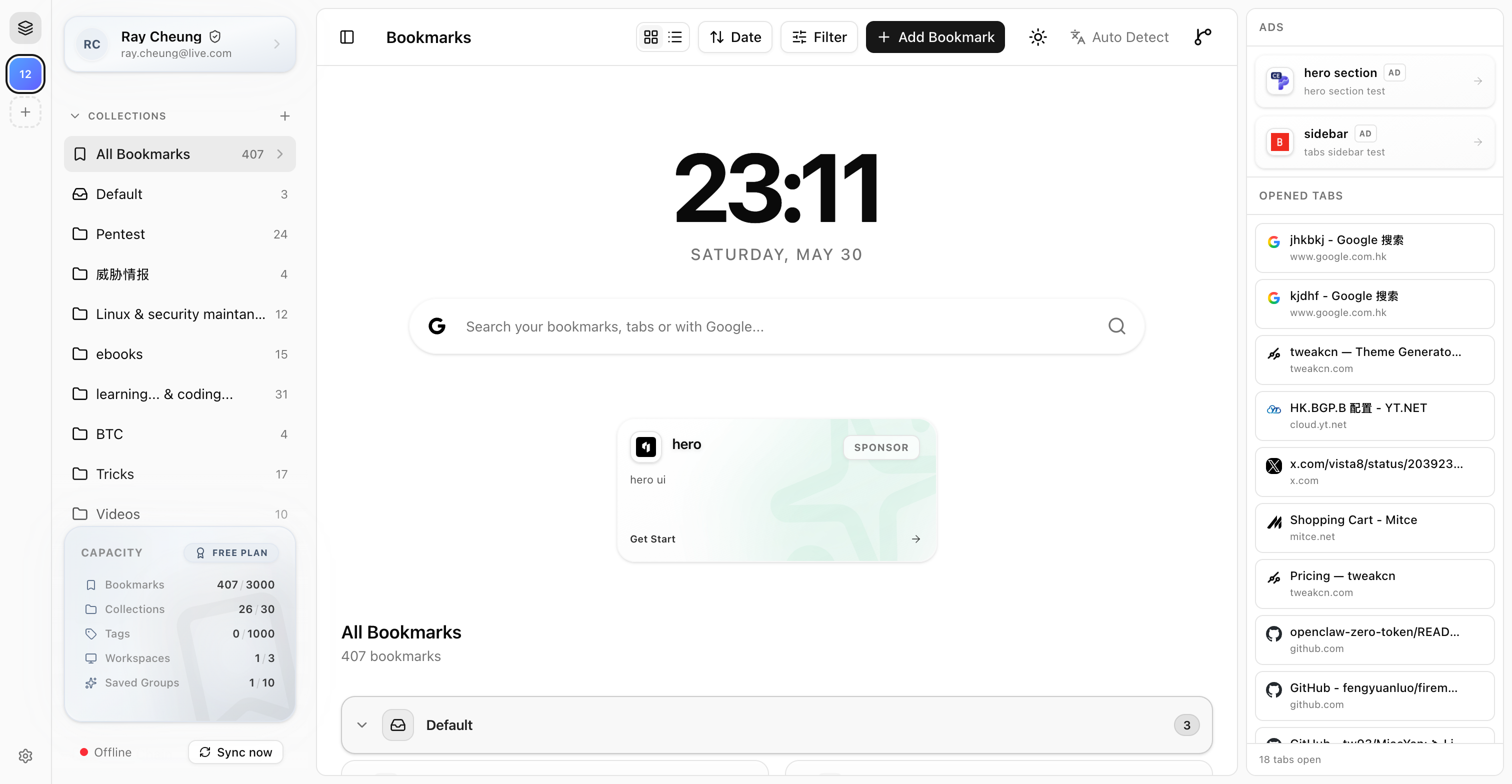
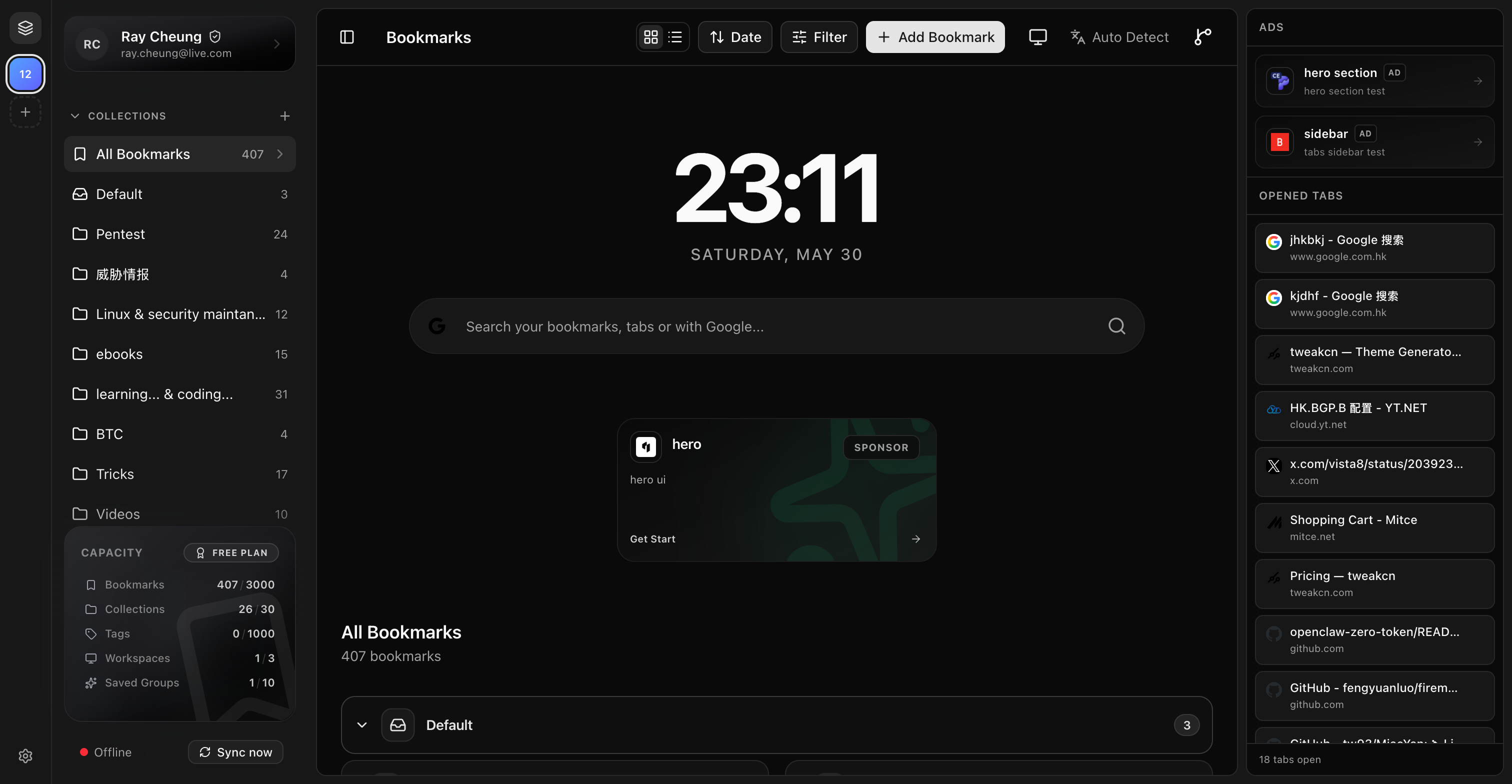
A calmer browser workflow
Save tabs, groups, bookmarks, and useful page context while it is still fresh.
Shape work into workspaces, collections, tags, and saved groups that match how you think.
Search, restore, and reopen the right context instead of hunting through browser clutter.
Built for real browser work
Separate projects and keep their bookmarks in clear, ordered collections.
See live browser context and work with native Chrome groups.
Keep a reusable group after the current window is gone.
Find open tabs and saved bookmarks from one keyboard-first surface.
Move items out of the way without immediately losing them.
Use the official hosted service or connect a compatible self-hosted server.
The TabSlate extension is open source. Keep your workflow local, connect the self-hostable server, or use the official hosted service for managed synchronization.
GitHub Repository
Self-Hosting Guides
Plans
Organize tabs and bookmarks locally and connect to a compatible TabSlate server when you choose.
Additional hosted-service options are being prepared. Prices and quotas will be published only when they are final.
Roadmap features in development:
Learn and follow along
Install the extension, learn the core model, or connect your own server.
FAQ
Permissions support the features you choose, including reading tabs, managing Chrome groups, saving bookmarks, and optionally opening the global search overlay. The documentation explains each permission and when it is used.
TabSlate works with browser and bookmark metadata. When you explicitly save a page, it can use limited page metadata such as the Open Graph title, description, favicon, and selected text to improve the saved bookmark.
Yes. The public TabSlate server supports self-hosting, and the extension can connect to a compatible server URL.
Local organization remains available. Synchronization waits until a verified session and the configured server are reachable.
TabSlate links to official listings for Chrome, Microsoft Edge, and Firefox. Browser capabilities can differ, so use the documentation for current details.
Install TabSlate and build a browser workspace you can return to.